How I use a Sony a5100 for streaming
The camera, capture card, cable, and power connection each have a separate job. Here is how mine reaches the computer.
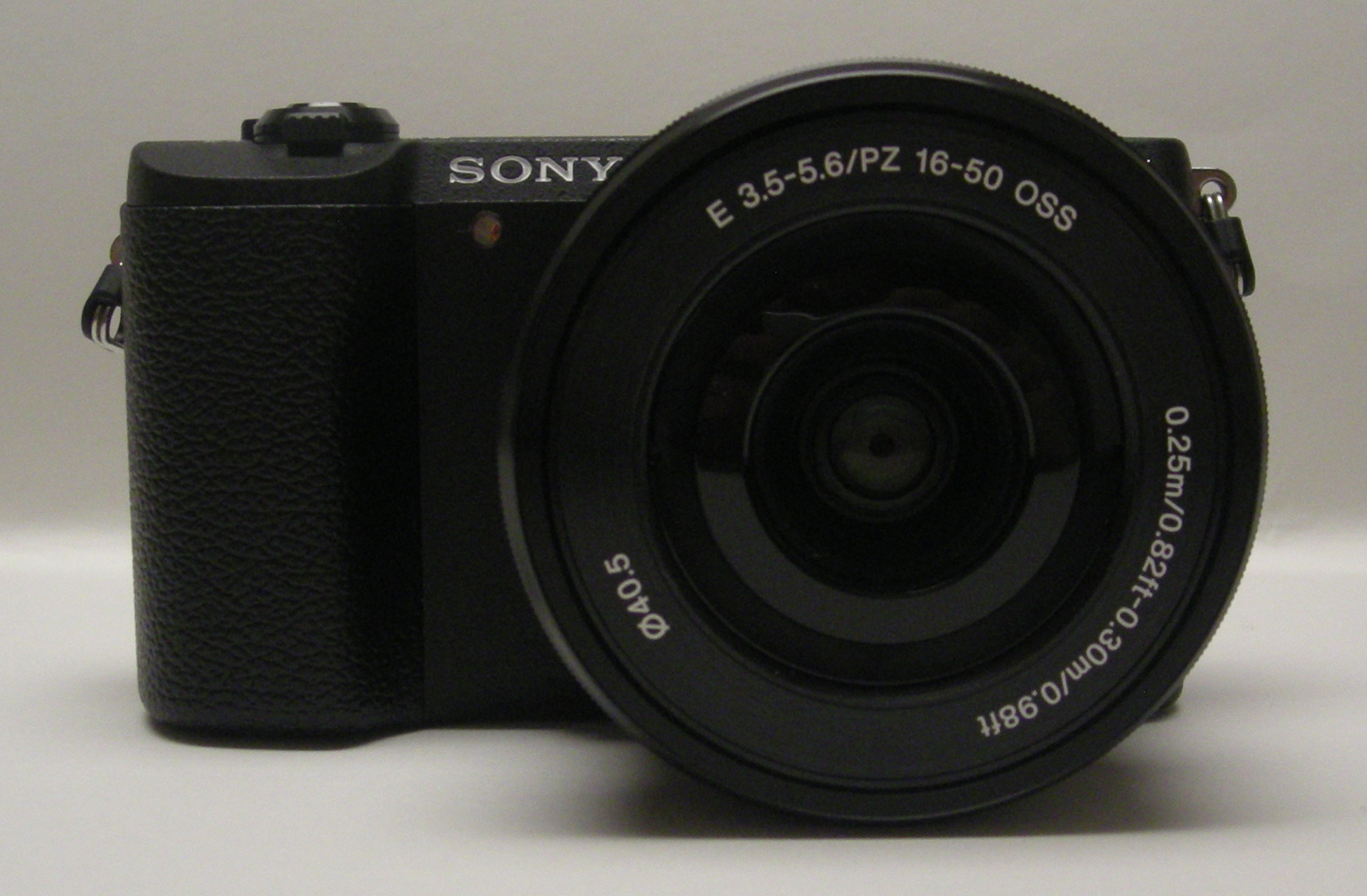
The setup I actually use
My camera is an older white Sony Alpha a5100, bought as a body only. It sits above my monitor with the Sony E 16mm F2.8 lens attached. I like the lens because it barely sticks out beyond the camera. From that position, it fits my face, torso, and some of the room in the shot.
The background softening is subtle; you can still tell what is behind me. Autofocus is working with this lens. Manual focus remains an option if you want to hold focus at a fixed distance, but it won’t follow a subject that moves closer or farther away.
This is a Full HD setup. The a5100 does not become a native 4K camera because a capture card has “4K” on the box.
Follow the video connection
The cable carries the HDMI picture. The capture card makes it available to recording or streaming software on the computer.
I run a right-angle Micro HDMI cable from the camera to a cheap 1080p capture card. The card then connects to the computer by USB. The angled plug helps with the connection at the camera, but you still need to check which way the plug faces and leave room for it.
I haven’t identified the exact make of my capture card. The UGREEN card on my setup page is a similar example, not a claim that it is the one on my desk. The Elgato Cam Link 4K listed there is another option to compare, not a device I’m reviewing from use.
Power is a separate connection
I also use a plug-in battery adapter so I don’t have to keep charged camera batteries ready. A powered coupler fits in place of the battery and connects to its mains adapter. That supplies power; it does not carry the camera picture to the computer.
The a5100 uses the NP-FW50 battery system. The Gonine kit linked in my equipment list is an example of the type of adapter I use, not a confirmed identification of my own unit. Match the adapter to the exact camera and follow its instructions. The newer ZV-E10 II uses a different battery system.
Check the picture before going live
- Connect and power the camera, then choose the capture device as the video input in your recording software.
- Look at the actual preview. Check framing, focus, and whether camera menus or other overlays are visible.
- Record a short local test. Turn toward your other screen and move as you normally do; check whether your face stays in focus.
- Check audio separately. If you use a USB microphone, select that input rather than assuming the capture device is carrying the sound you want.
- Watch the recording back before starting a public stream. Check picture, sound, and whether speech lines up with the video.
These are checks to make on your own computer, not a promise that every camera, card, and app combination behaves the same. If the capture device is missing, check its USB connection and supported computer requirements before buying another camera.
Read the output specification
A capture card that accepts 4K HDMI input may record at a lower resolution. Check the captured output resolution and frame rate, not just the largest number in the product title. With Cam Link 4K, also check the particular revision and supported modes.
If all you want is a simple camera at the computer, a USB webcam skips the separate lens, HDMI, and camera-power decisions. A laptop camera or phone may already be enough to get started.
Choose the frame before another lens
I keep a TTArtisan 25mm F2 nearby for a tighter shot and a different look. I also like its wide aperture for background blur. It is a fixed-focal-length lens, so changing the frame means swapping lenses or moving the camera, not turning a zoom ring.
Before ordering a lens, measure the distance from camera to chair and try the 16mm, 25mm, and 35mm framing planner. Its estimates help you think about the space; the camera preview is the final check.
Camera specifications and battery system: Sony a5100 specifications. Capture modes: Elgato’s supported video sources. My equipment observations are separate from these specifications.