Your first stream can start with your phone.
Before you shop for a camera, record a two-minute test. It will tell you more than another gear list.
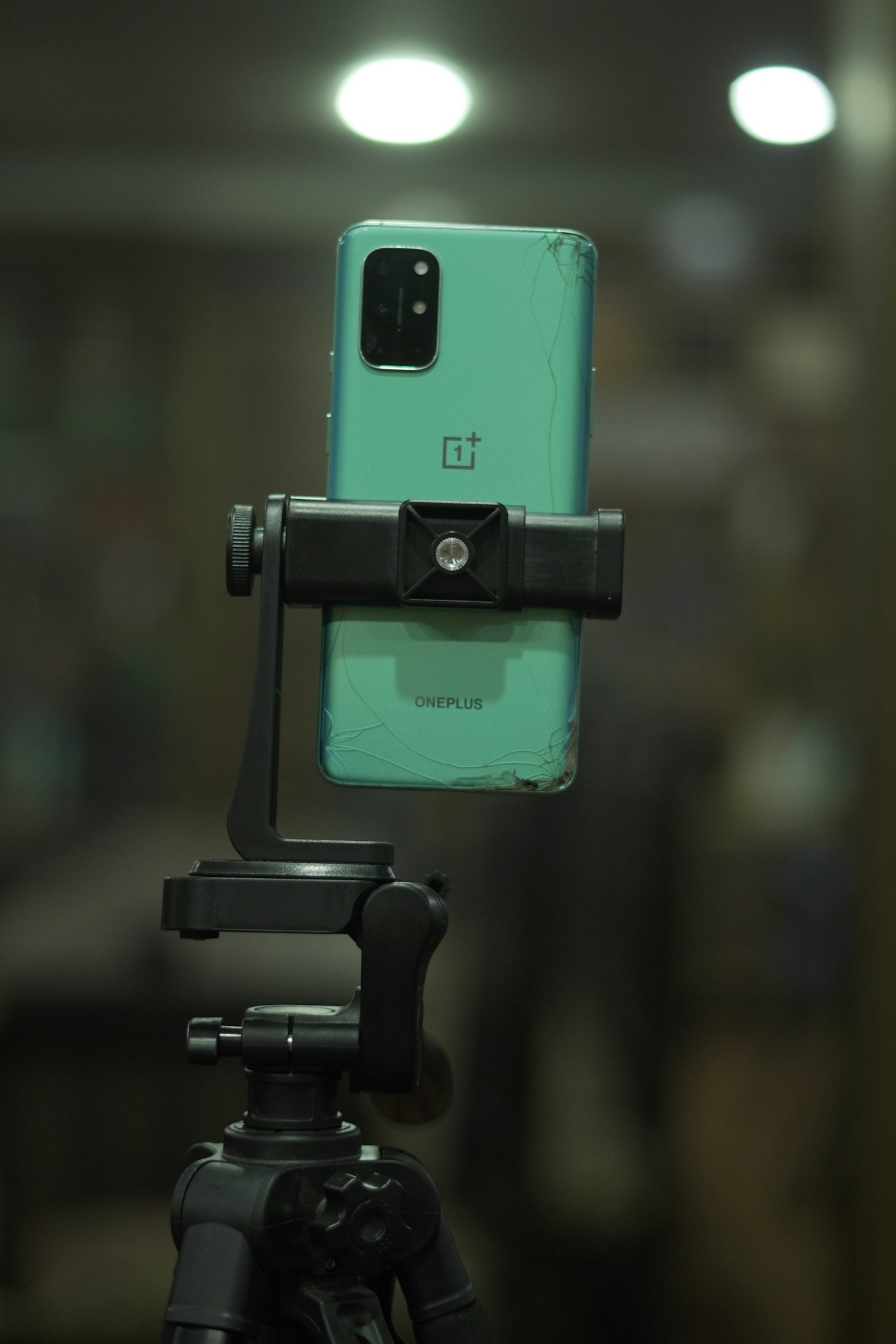
Set up the shot
Wipe the lens with a clean soft cloth. Put the phone on something stable at eye level; a stack of books works for a seated recording. Keep it far enough from the edge that a notification or a bumped cable cannot knock it over. Use landscape for a conventional desktop video and portrait for a vertical video. Choose before recording so you do not have to crop your face out later.
Let the room do some work
Face a window instead of putting it behind you. If sunlight makes half your face much brighter, move back from the window or close a sheer curtain. At night, move an ordinary lamp in front of you and slightly to one side. Keep hot bulbs clear of fabric. Check the actual image on the screen rather than assuming the room’s ceiling light is enough.
Listen before you buy
Record thirty seconds at the position you plan to use. Include normal speaking, a pause, and a few keystrokes. Listen back with headphones if you have them. A fan, a refrigerator, or a bare wall can be more noticeable in a recording than in the room. Move closer to the phone and away from the noise, then repeat the test.
Make one short thing
Give the recording a small job: explain one idea, answer one question, or introduce the topic of your next conversation. Watch it once for framing and listen once for clarity. Write down the single biggest problem. Only consider an upgrade after you can name what it needs to fix. Live streaming may add platform account, app, connection, or eligibility requirements; a local recording is the simplest first test.